
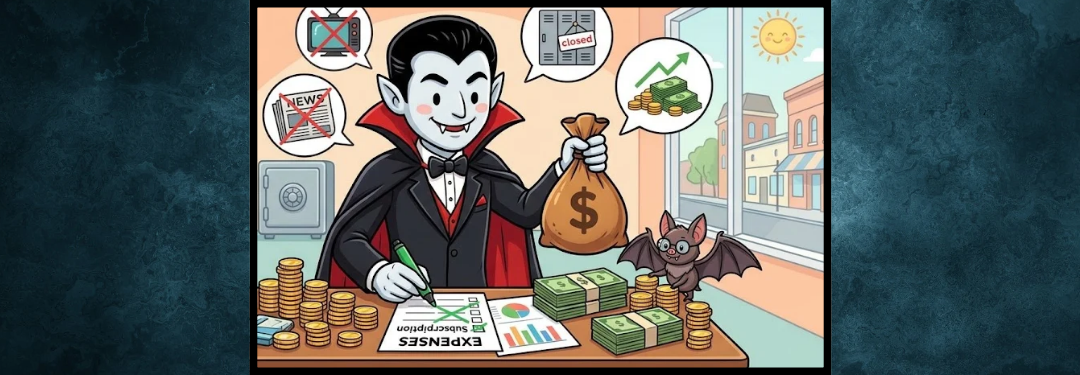
Quick question: Do you know exactly how many subscriptions you’re paying for right now?
If you’re guessing, you’re not alone. Most people underestimate their monthly subscription spending by more than $100 — because these charges are small, automatic, and easy to miss. We call them “vampire subscriptions”: they quietly drain your bank account every month, never drawing attention because no single charge seems large enough to worry about.
The good news? A quick 20-minute subscription audit can put real cash back in your pocket — money you can immediately redirect toward savings, paying down debt, or building your financial cushion
Step 1: Pull Up Your Last 2-3 Months of Statements
Open your banking or credit union app and scroll through your recent transactions. Look for recurring charges — same amount, same merchant, arriving around the same date each month (or year). Don’t rely on memory; vampire subscriptions thrive on being forgotten.
Tip: Search your statement for common culprits: streaming services, app store charges, subscription boxes, gym memberships, cloud storage, and “free trial” sign-ups that quietly converted to paid plans.
Step 2: Make a Simple List
Grab a notebook or your phone’s notes app and jot down every recurring charge you find, with three columns:
- Name of service
- Monthly cost
- Last time you actually used it
Seeing it all in one place is often the biggest wake-up call. Many people find $30-$75/month in subscriptions they’d genuinely forgotten they had.
Step 3: Sort Into Three Buckets
For each item on your list, ask: “Would I miss this if it vanished tomorrow?”
- 🟢 Keep — You use it regularly and it genuinely adds value.
- 🟡 Downgrade — You like it, but a cheaper plan works just as well.
- 🔴 Cancel — You rarely use it, forgot about it, or let a free trial slide into a paid plan.
Watch for: When auditing your statements, keep an eye out for third-party processors like PayPal, Apple, Google Play, or Amazon Pay. These services often process recurring subscriptions under vague billing descriptions (e.g., APPLE/BILL or PAYPAL *MERCHANT), making them easy to overlook. Check the subscriptions tab inside your App Store or payment processor settings directly to catch any hidden charges.
Step 4: Cancel the “Reds” — Today, Not Someday
This is the step people skip. Set a timer for 15 minutes right now and cancel at least one subscription. Most services let you cancel online in your account settings; for trickier ones, search “[service name] + how to cancel” for exact steps.
Watch for: Some companies make cancelling deliberately difficult (extra clicks, phone calls only, “are you sure?” loops). Stick with it — the savings are worth the small hassle.
Step 5: Put the Savings to Work Immediately
This is the part that turns a subscription audit into real financial progress. As soon as you cancel something, redirect that exact dollar amount somewhere with a purpose:
- Toward a loan payment, to pay it down faster
- Into an emergency savings fund
- Toward a specific goal (a car repair fund, holiday spending, etc.)
If the money just goes back into your everyday checking account, it tends to quietly disappear into other spending. Give it a job the moment you free it up.
Try This This Week
Set aside 20 minutes before your next paycheck hits. Pull your statements, make your list, sort into buckets, and cancel just one thing. That’s it — you don’t need to overhaul your whole budget in one sitting.
Small, consistent moves like this are exactly what financial wellness looks like in practice.